Load tests
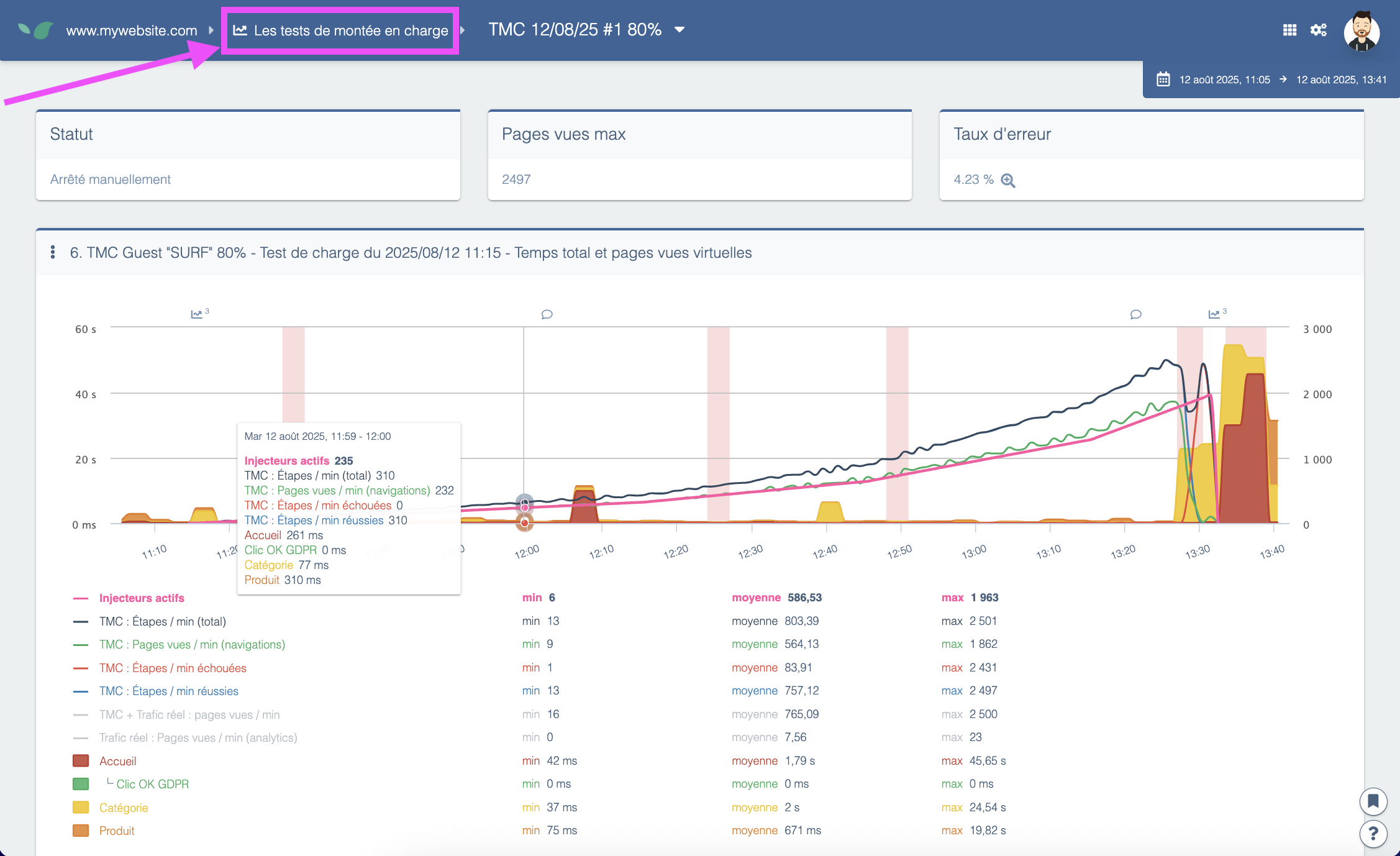
Load tests create heavy traffic on your site to evaluate its response. A functional user journey is required as the traffic created by the test will navigate the site following the selected user journey.
Note that load tests generate real traffic on the website, thus impacting live users if performed on a production website. Load tests can also be performed in test environments.
Prerequisites
- A configured user journey
- An available load test. Contact your sales representative to acquire load tests.
Running a load test
-
From the Load tests page, click the Run a load test button.
-
Select the user journey that will be used for the test and if the test should wait for the onLoad. Only pages included in the user journey will be tested.
-
Give a name to the test.
-
Determine whether the test will be run as soon as possible or scheduled for later.
-
Determine the minimum time dedicated to each step of the test.
-
Determine the number of concurrent users that will be simulated at different timeframes since the start of the test. You can add more steps to test to better control the rise in concurrent users. Note that the number of concurrent users created for each step must always be higher than the previous step.
-
Specify the failure conditions that will determine when the test will automatically stop. Tests can also be stopped manually.
-
Check the two acknowledgment boxes and start the test.